Contact Kloqr Support
- Email support@kloqr.com. Tell us your company's name and what you were trying to do.
- In the app, open More, then Messages, then Kloqr Support, and write to us there.
Signing in
Kloqr accounts are created by your employer. You cannot sign up on your own. Sign in with the email address and password your company gave you.
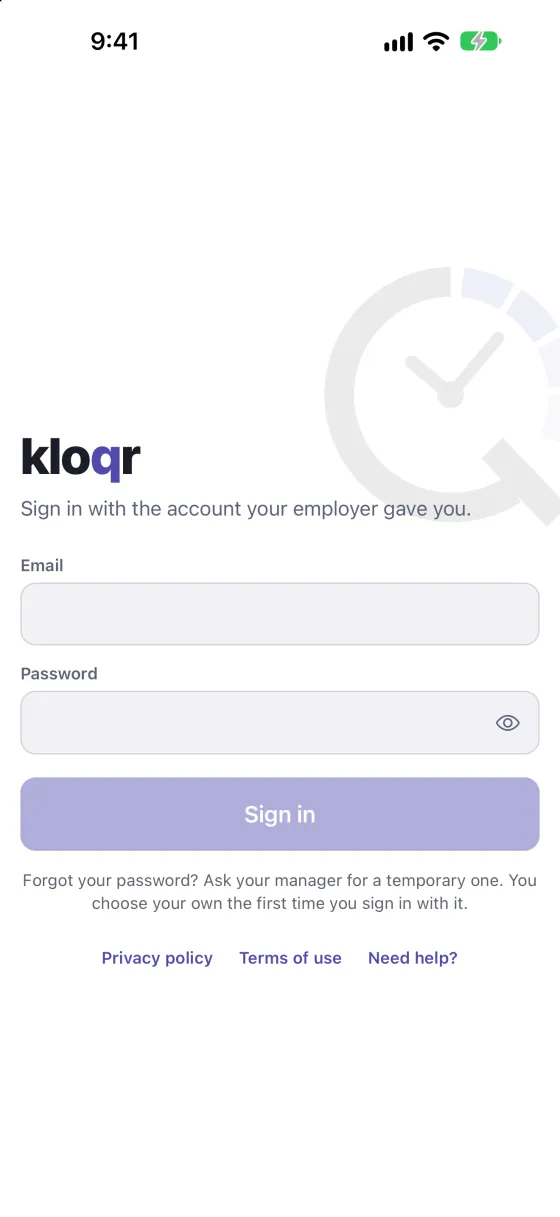
I forgot my password
Ask your manager for a temporary password. The first time you sign in with it, the app asks you to choose your own.
My company does not use Kloqr yet
Book a demo and we will set your company up.
Clocking in and location
- Clock-in needs location turned on, and you need to be at your work location. If the app says you are too far away, move closer to the site and try again.
- For location to keep working while your phone is locked during a shift, choose Always for Kloqr under Location in your phone's Settings. Kloqr shares your location only while you are clocked in.
- No signal? Keep working. The app saves what you do and sends it when you are back online.
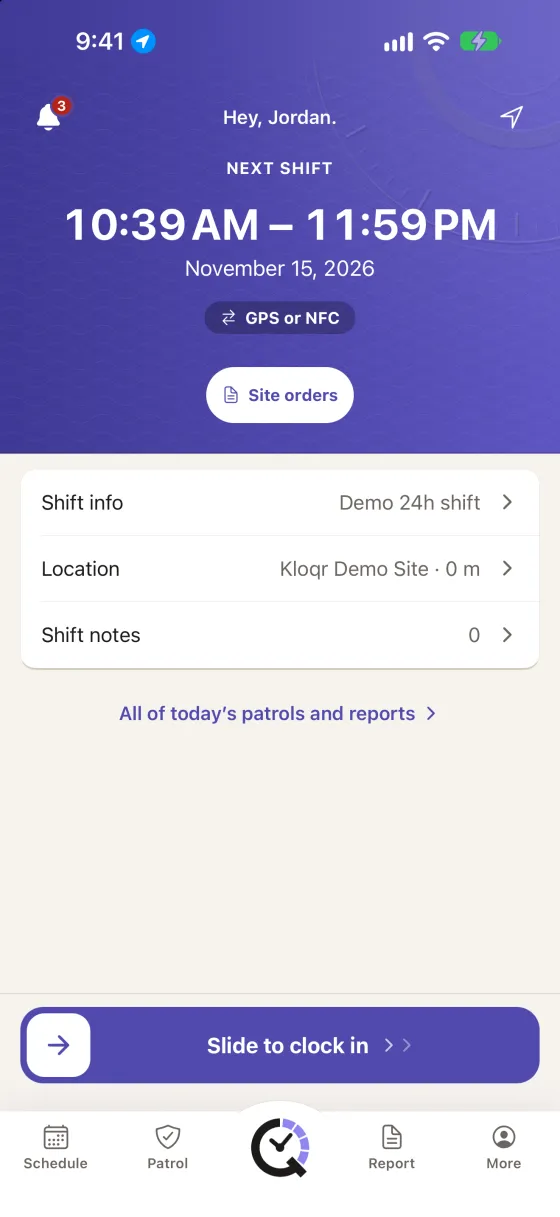
For what is collected and when, see Location during a Kloqr shift.
Reporting a message
If someone in your company sends you a chat message that is abusive or inappropriate, press and hold the message, then tap Report. The message is sent to Kloqr Support. We review every report within 24 hours and act with your company, which can include removing the message and closing the sender's account.
In a one-to-one chat you can also Block the other person: open the chat's More menu, then tap Block. Neither of you can then message the other. The chat history stays, and you can unblock them at any time. You can also Mute a chat to stop its notifications.
Schedule, hours and pay
Your company sets your schedule, approves your hours and pays you. Questions about a shift, a timesheet or your pay go to your manager. Kloqr cannot change them for you.
Deleting your account
See Delete your Kloqr account.
Privacy
See the Privacy Policy and the Terms of Use. For privacy questions, email support@kloqr.com.